The cloud’s quiet limitation
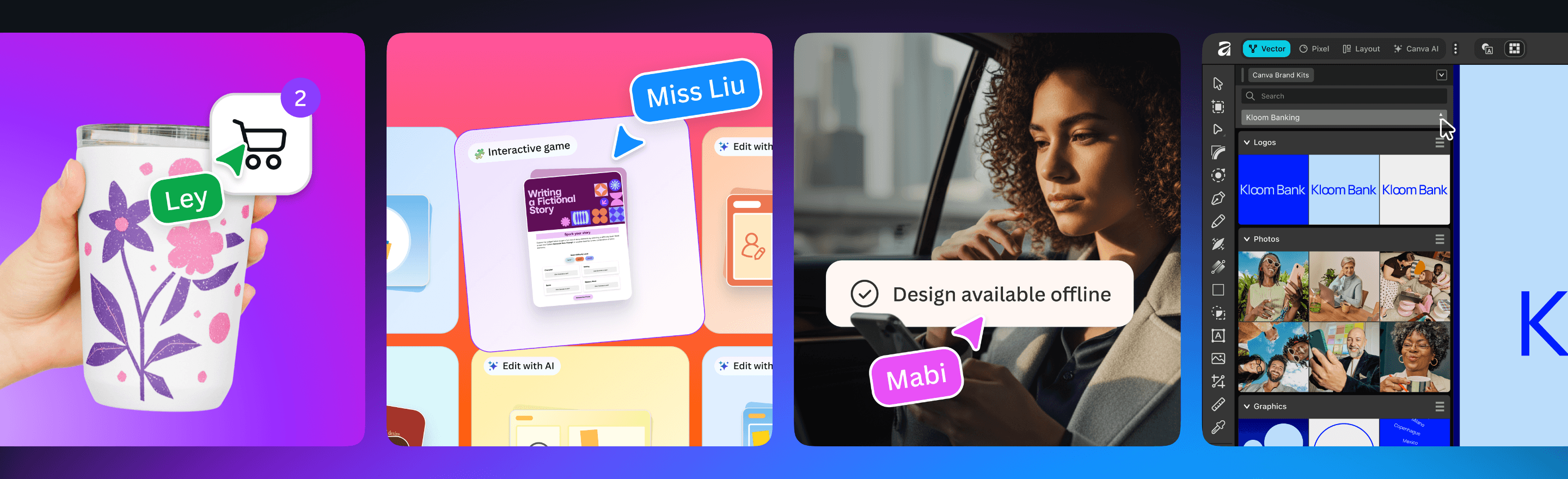
Browser-based design tools made collaboration easier, but they also made stable connectivity part of the creative process. Canva Offline addresses that dependency by letting users make selected designs available without an internet connection, perform essential edits, work with local images and sync changes after reconnecting. For people dealing with expensive data, unstable networks or long commutes, this is more than a convenience feature.
What offline work needs to get right
Offline editing is only useful when the boundaries are clear. Users need to know which files are available, which actions require a connection and what happens when two people edit the same design before syncing. Canva says work will resume and synchronise when connectivity returns. The practical test will be conflict handling and whether large or complex projects remain dependable across intermittent connections.
A broader professional suite
The company also expanded its professional offering. Canva Brand System is coming to Affinity, while integrations connect Affinity with tools including Capture One and DaVinci Resolve. Canva says Cavalry is becoming free for creatives, and its new Print Shop creates a more direct route from a design to a physical product. Together, the announcements try to connect lightweight collaboration with deeper specialist work.
Access and lock-in can grow together
An integrated suite reduces file transfers and repeated setup, particularly for small businesses and distributed teams. It can also make a single platform responsible for more of a creative organisation’s workflow. Designers should examine export quality, file ownership, offline availability and whether projects remain portable if pricing or product strategy changes. Convenience is strongest when it does not remove an exit.
Why this release matters
Canva’s most consequential change may be the least visually dramatic one. Offline support expands who can rely on the product and where it can be used, including regions where connectivity cannot be assumed. The professional tools then push in the opposite direction—toward more complex, connected workflows. If Canva can serve both conditions without making either feel secondary, it will broaden the meaning of an accessible design platform.
Anyone planning to rely on Offline mode should test a real project before travelling or working somewhere with weak service. Make the design available offline, close and reopen the application, edit local assets and verify the eventual sync on a second device. That small rehearsal shows which fonts, integrations or media still depend on a connection. Offline badges and sync status should remain visible so users are never guessing whether their latest changes reached the shared version.