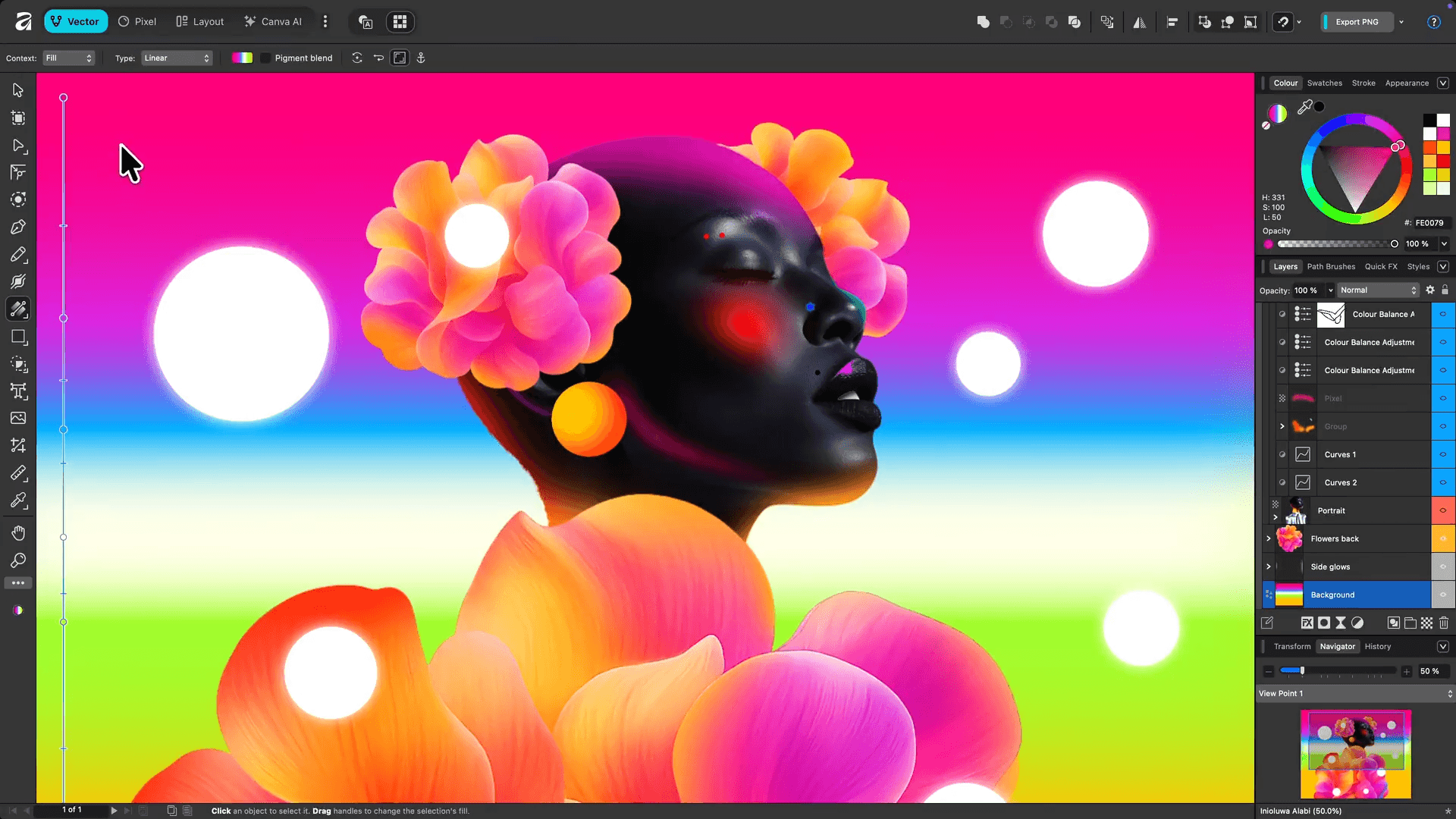
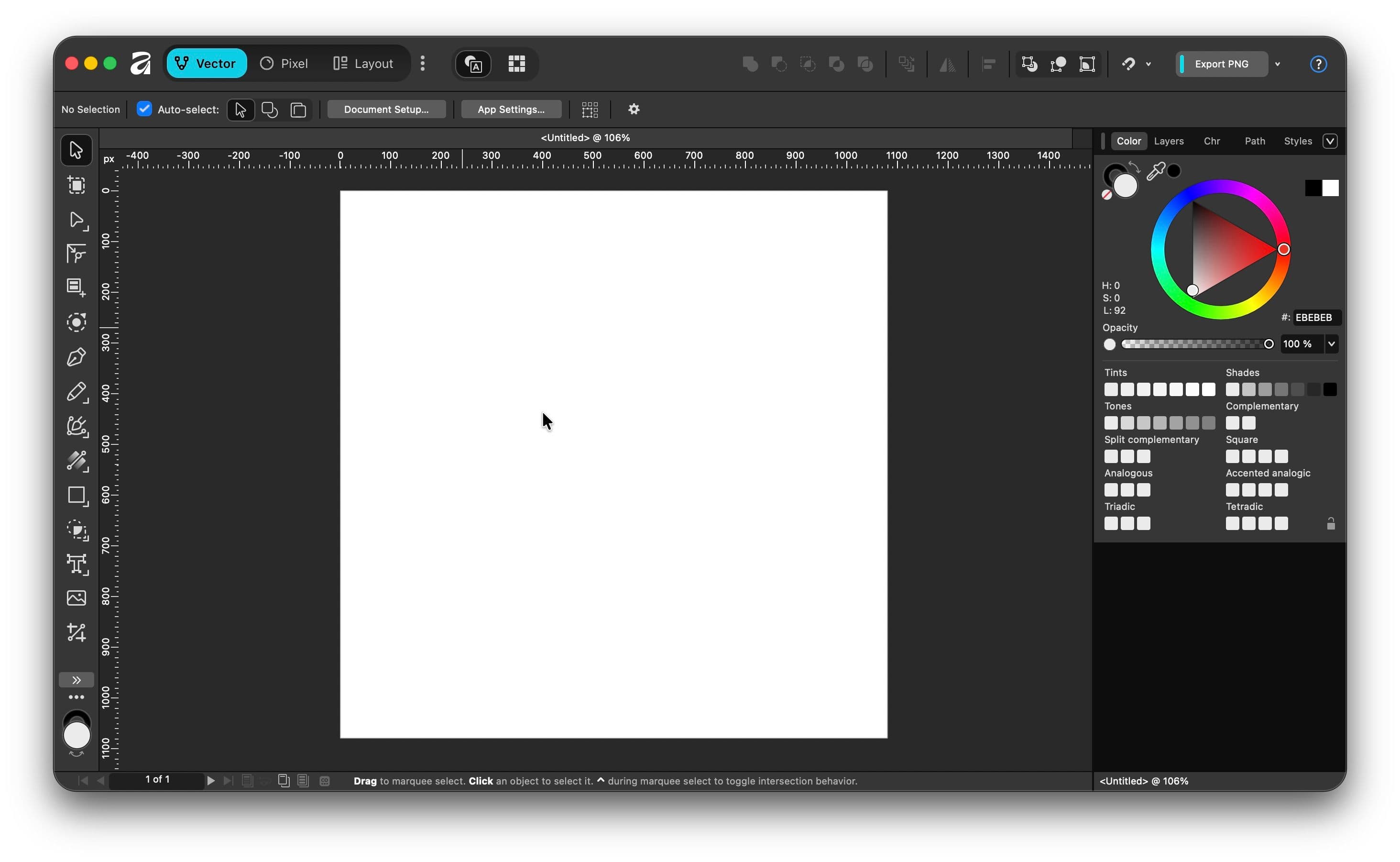
For years, Adobe Creative Cloud has been the default choice for graphic designers, photographers and publishers. But its recurring subscription has pushed many creatives to look for a more affordable option. Affinity has steadily earned that reputation by delivering professional software with a one-time purchase or free use (in case you don’t need the additional AI features) instead of monthly payments. The Affinity suite includes three applications: Affinity Vector for vector illustration and branding, Affinity Pixel for photo editing and retouching, and Affinity Layout for editorial and layout design. Together, they cover most of the workflows that designers typically rely on Illustrator, Photoshop and InDesign for. What makes Affinity stand out is its balance between performance and simplicity. The applications are fast, run smoothly even on modest hardware, and are available for macOS, Windows and iPad. Files can also move seamlessly between the three apps using StudioLink, allowing you to edit vectors, photos and layouts without constantly exporting and importing assets.
Where Affinity Excels
For branding projects, logos, social media graphics, Affinity is exceptionally capable. Affinity Pixel offers advanced masking, RAW editing, frequency separation and professional retouching tools that satisfy most photography needs. Layout is equally impressive for brochures, magazines, portfolios and printable documents, especially when combined with Vector and Pixel.The biggest advantage, however, is value. Instead of paying every month, you use the software for free. For students, freelancers and small businesses, that can mean significant savings over several years while still accessing professional-grade tools.
What you Should Know Before Switching
Affinity isn't a perfect replacement for everyone. If your workplace depends heavily on Adobe-exclusive features like After Effects, Premiere Pro, or collaborative Creative Cloud workflows, you'll likely still need Adobe. Some agencies also exchange native PSD or AI files with complex effects that may not translate perfectly. For independent designers, though, those limitations are often minor compared to the freedom of owning your software outright.
Is Affinity Worth It?
If your work focuses on branding, marketing design, print materials, digital content or photography, the answer is yes. Affinity delivers outstanding performance, a polished interface and nearly everything most creatives need without locking essential tools behind a subscription. I can recommend Affinity as one of the best investments for aspiring designers who want to build professional skills while keeping software costs under control.